
BIP100 Club
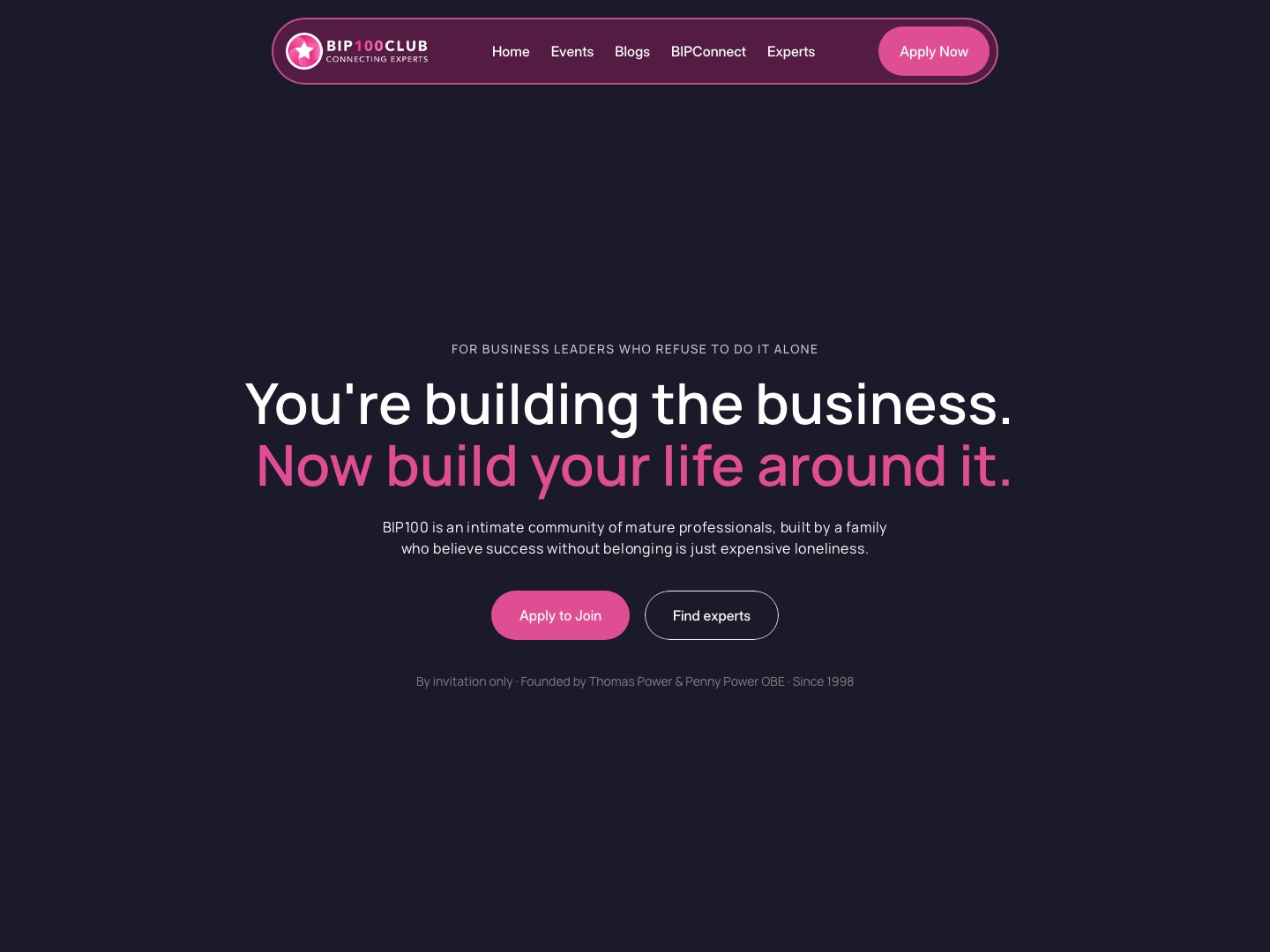
We built BIP100 a public website on Framer and a member portal: guided onboarding, a member home and an admin workspace, so every member's tools finally sit in one place.

- Client
- BIP100 Club
- Industry
- Business community for experienced professionals
- Team
- Founder, business and events manager, membership
- Engagement
- Custom build
- Timeline
- Discovery call 23 July, live in September 2026
- Stack
- Framer, Next.js, Supabase, Resend, Vercel
At a glance
The story in four answers.
- 01What problem were we solving?
- New members had to set up five separate tools on their own, from one long email of links, and the founder's welcome call was spent fixing that instead of welcoming them.
- 02Where were they before?
- A high-touch community for professionals over 40, running on Mighty Networks, a mobile app, WhatsApp, a shared calendar, Eventbrite, HubSpot and Xero. New members got an email that was a wall of links, and half of the founder's 90-minute welcome call went on setting up bookmarks.
- 03Where are they now?
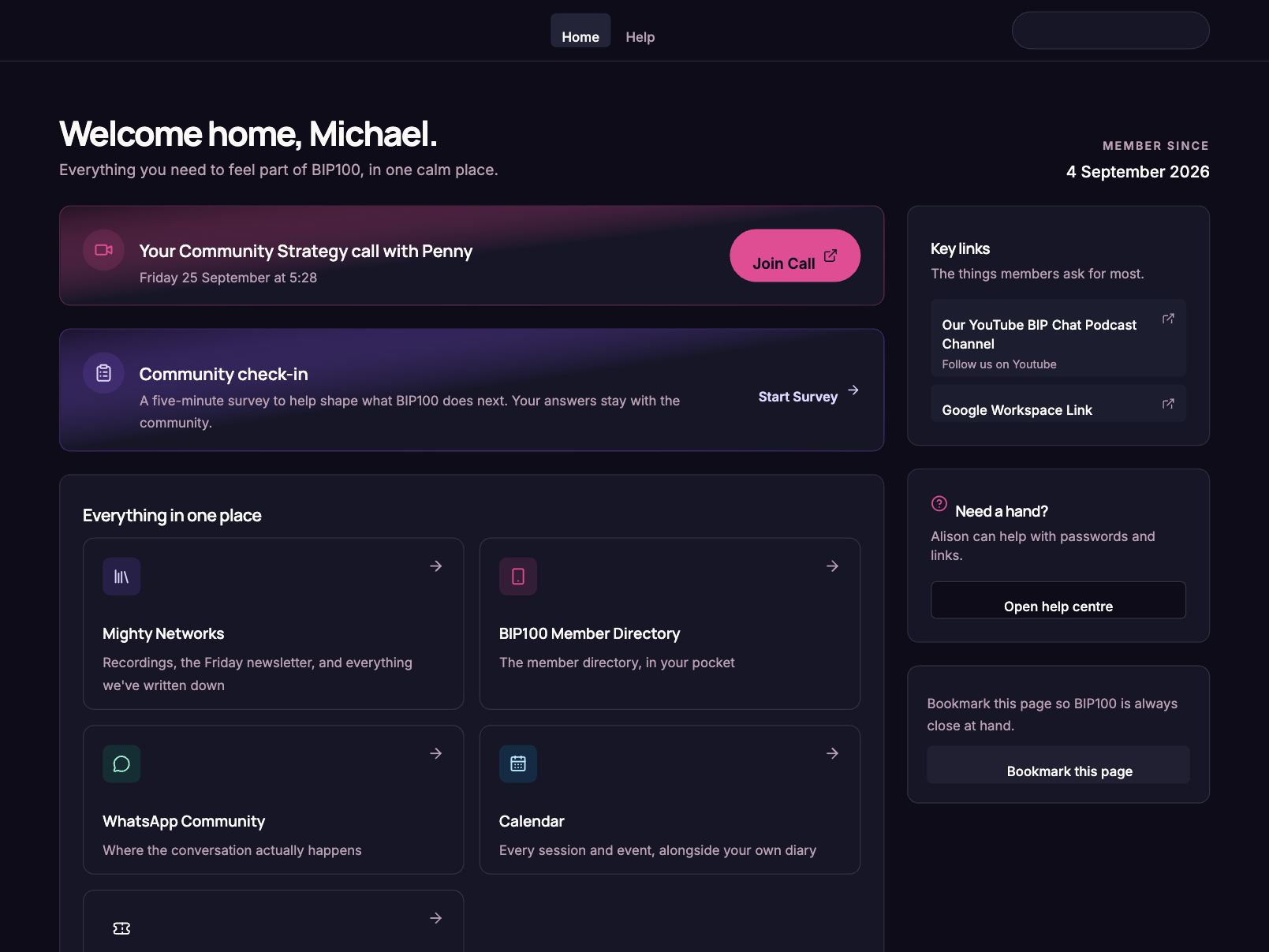
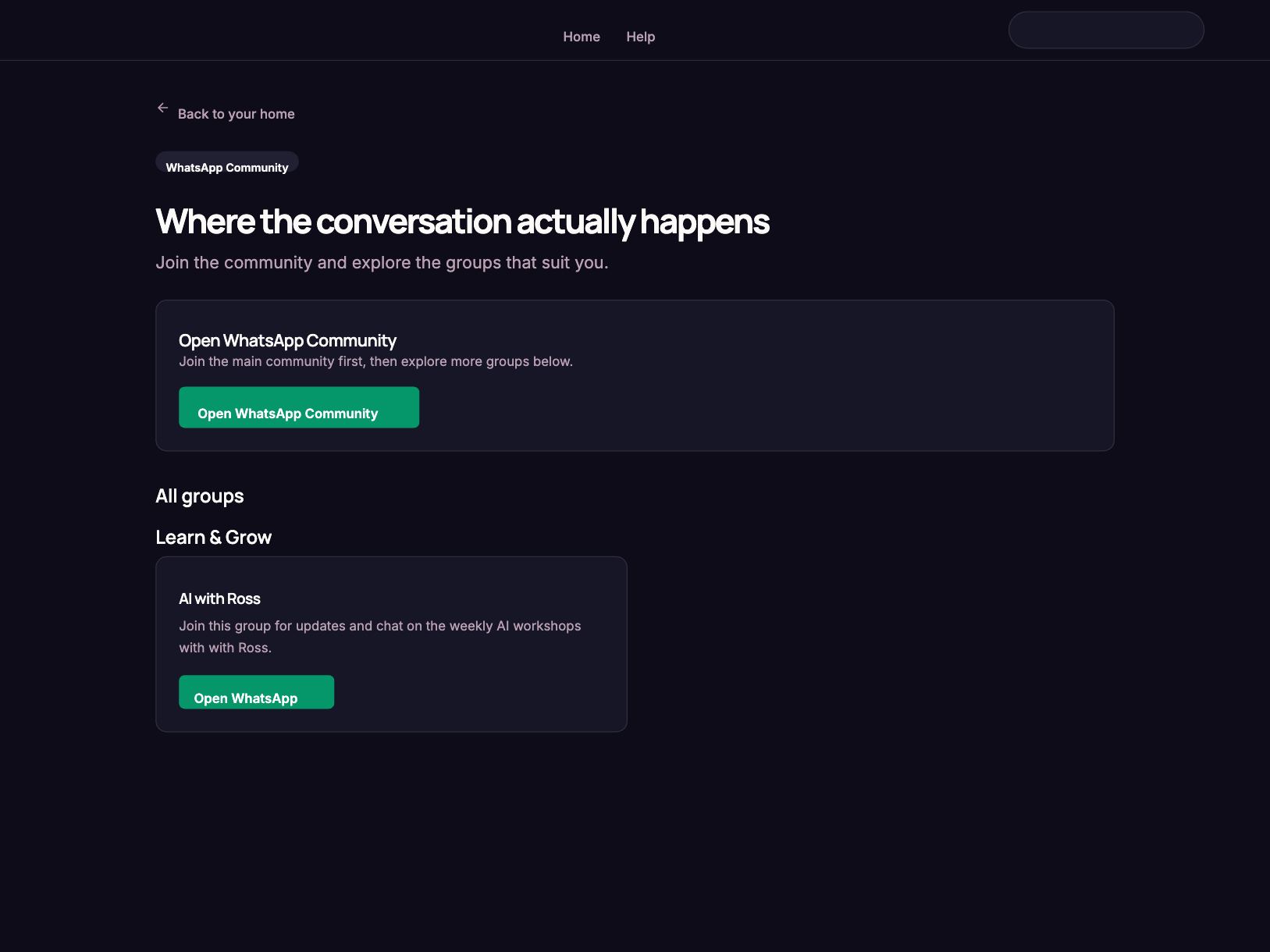
- The public website at bip100.club, built on Framer, tells the BIP100 story and leads to one clear next step: apply to join. It carries the events, the blog, BIP Connect and the Expert Directory. Every new member then gets a personal invite to one portal: six guided steps, then a member home with their calls, calendar, WhatsApp groups and surveys. The team sees who is stuck from one admin workspace, and reminders go out on their own.
- 04What did we use?
- FramerNext.jsSupabaseResend and React EmailVercelCloudflare R2
What we delivered
The work, with and for them.
- Step 1
Website and invite
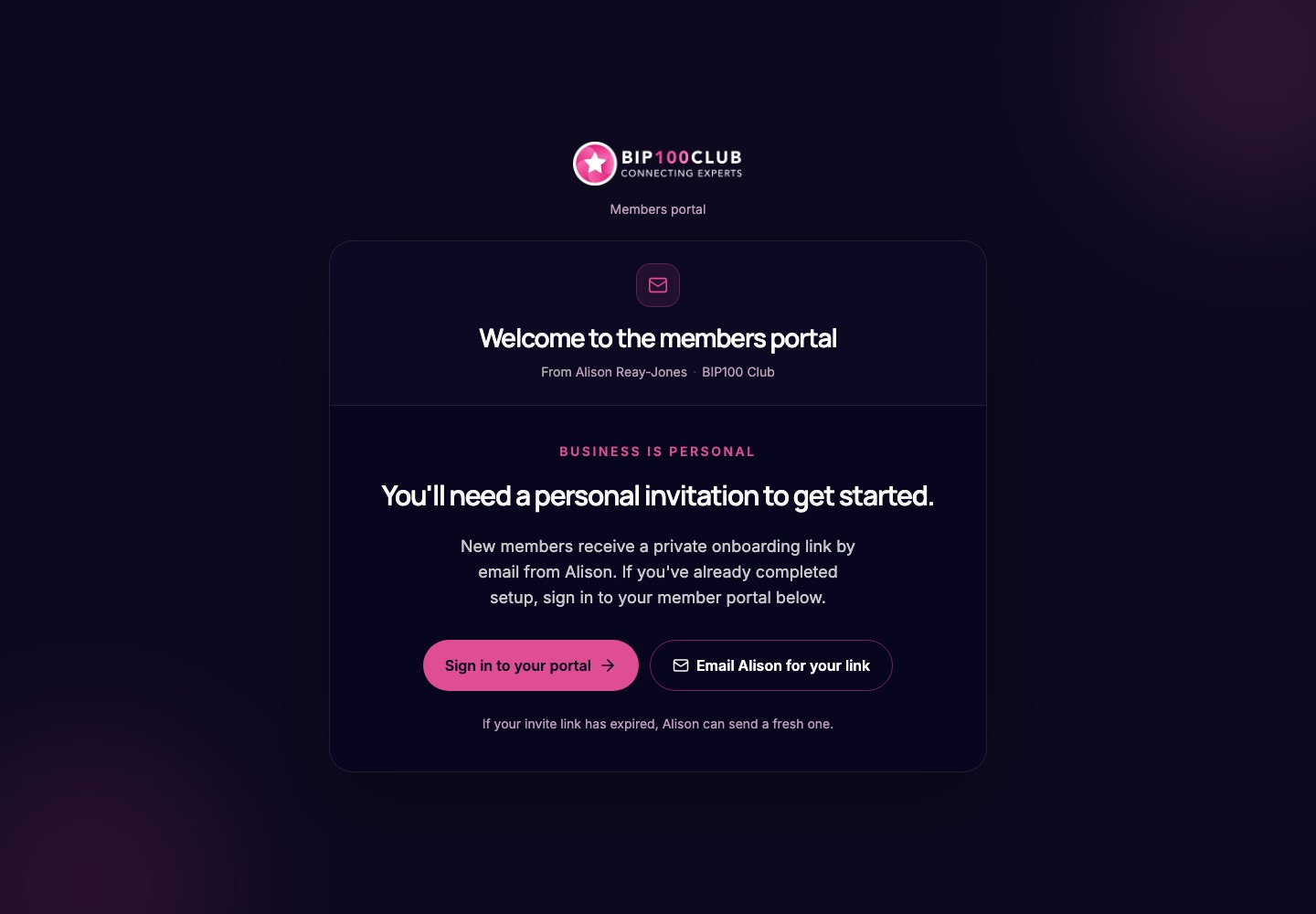
A Framer site at bip100.club with events, blogs and the Expert Directory, where people apply. Each new member then gets a personal, secure link from the team.
- Step 2
Guided onboarding
Six steps: payment, Mighty Networks, the app, WhatsApp and the calendar, each with I've done this or skip for now.
- Step 3
Member home
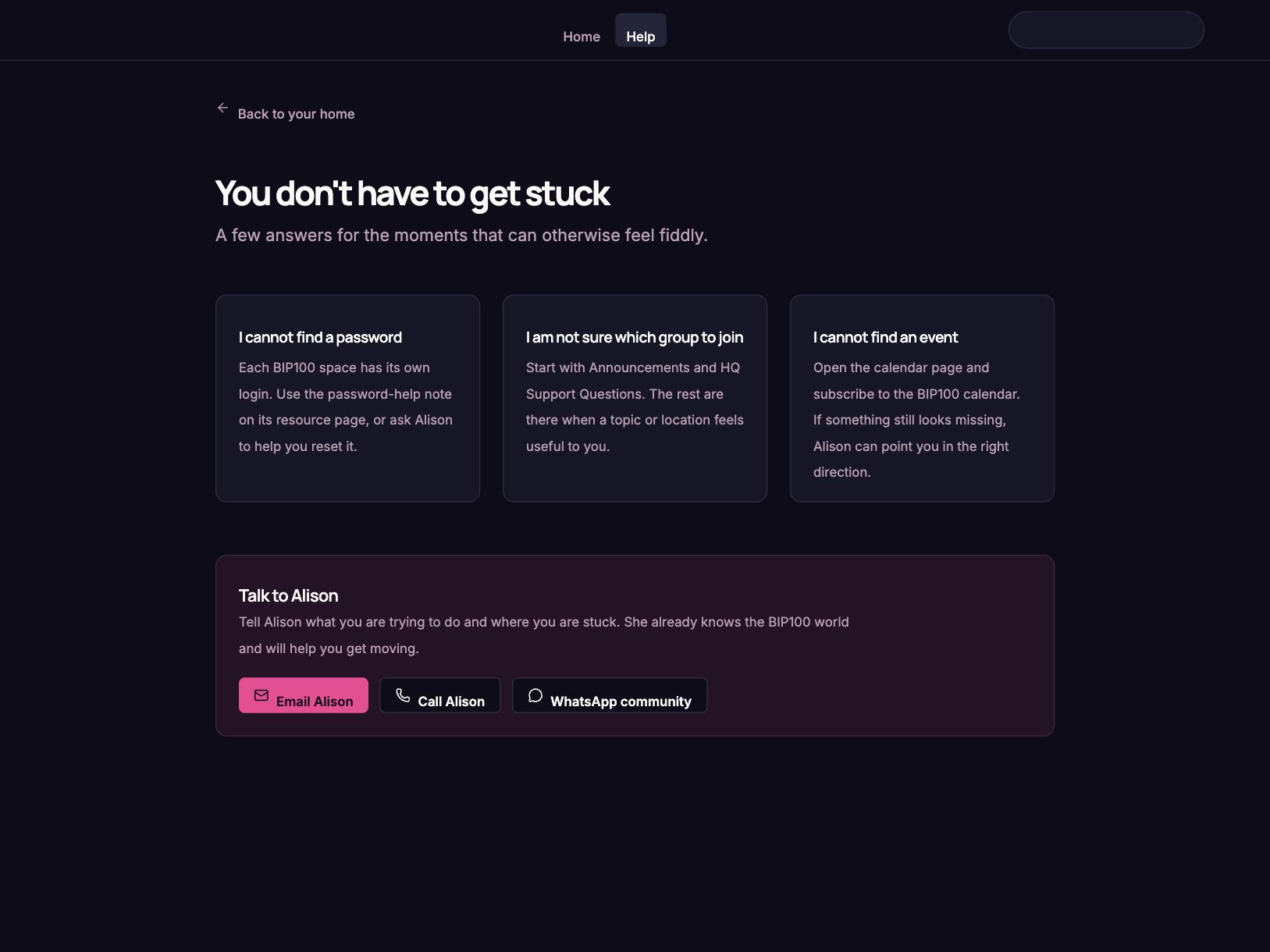
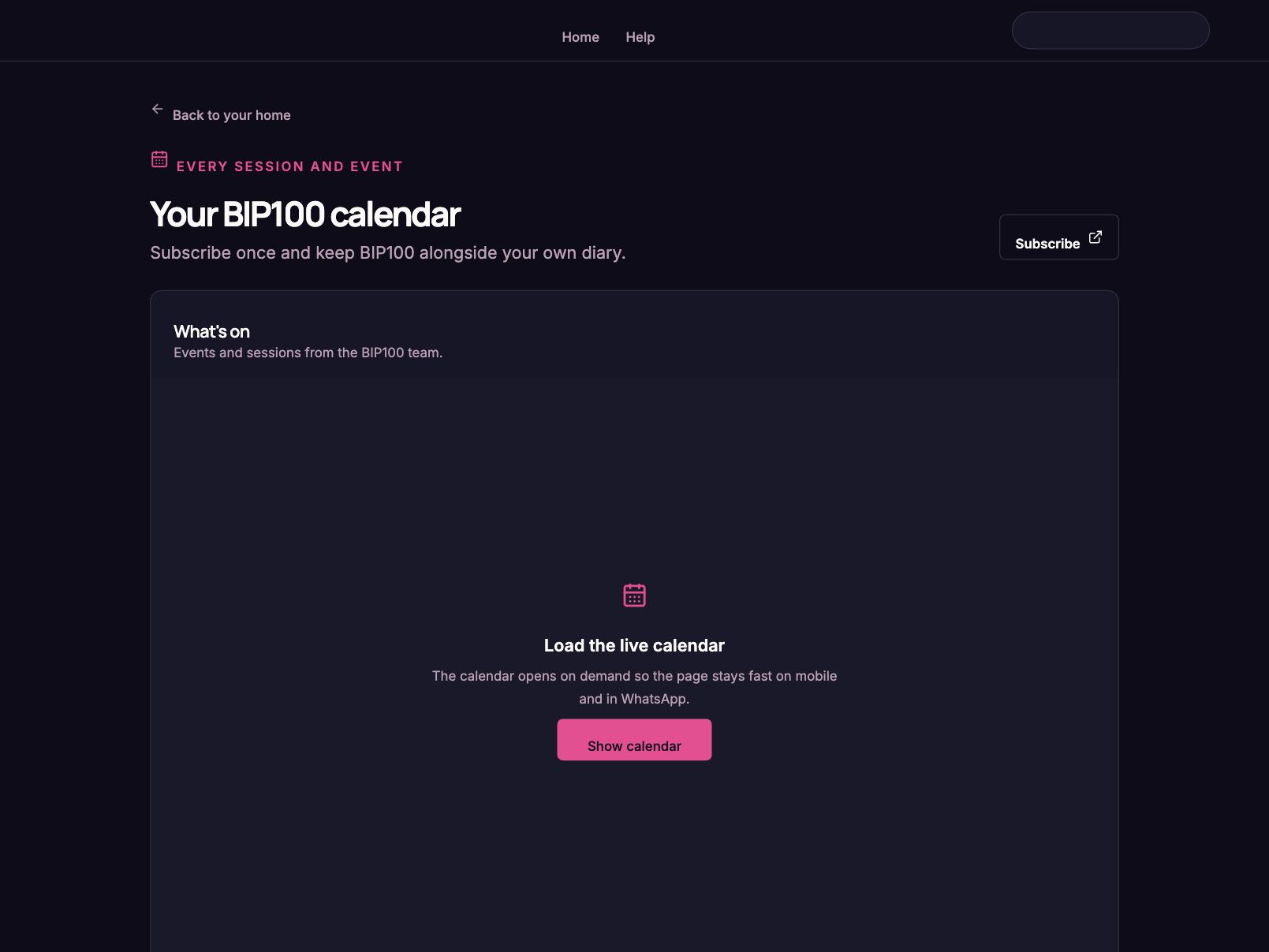
One place for calls, the calendar, WhatsApp groups, help and member surveys.
- Step 4
Admin workspace
The team sees the onboarding pipeline, flags stalled members, edits content and exports survey results.
- Step 5
Follow-up
Automatic reminders after 48 hours and a check-in on skipped steps after 14 days.
Walkthrough
See it in action.
The outcome
Results
- 6
- Guided onboarding steps, replacing the pre-call email of links.
- 9
- Automated emails, from the invite to reminders and the team's daily stalled digest.
- 2
- Live portals: member.bip100.club for members, admin.bip100.club for the team.
Keep reading
More client results.


Ready to become AI Powered?
Book a discovery call and tell us where you are. Or start with your AI Game Plan and we'll point you to the right next step.